MRZ-Rechner
Kostenloser MRZ-Generator mit korrekter Prüfziffernberechnung.

Dokumenttyp wählen
IDUSA1234567897<<<<<<<<<<<<<<<
7001017M3012121USA<<<<<<<<<<<0
DOE<<JOHN<WILLIAM<<<<<<<<<<<<<
Was ist eine MRZ?
MRZ (Machine-Readable Zone) is a section found on documents like passports, visas, and some ID cards that is specifically designed for quick and accurate machine reading. The MRZ encodes essential information about the document holder, including their name, nationality, date of birth, document number, and expiration date. It is typically located at the bottom of the document's information page and consists of two or three lines of text. The text is formatted in a standardized way using letters, numbers, and special characters like < to ensure that the data can be processed efficiently by scanners at border controls and other checkpoints. You can read more information about the MRZ in this Artikel.
Anwendungsbeispiel
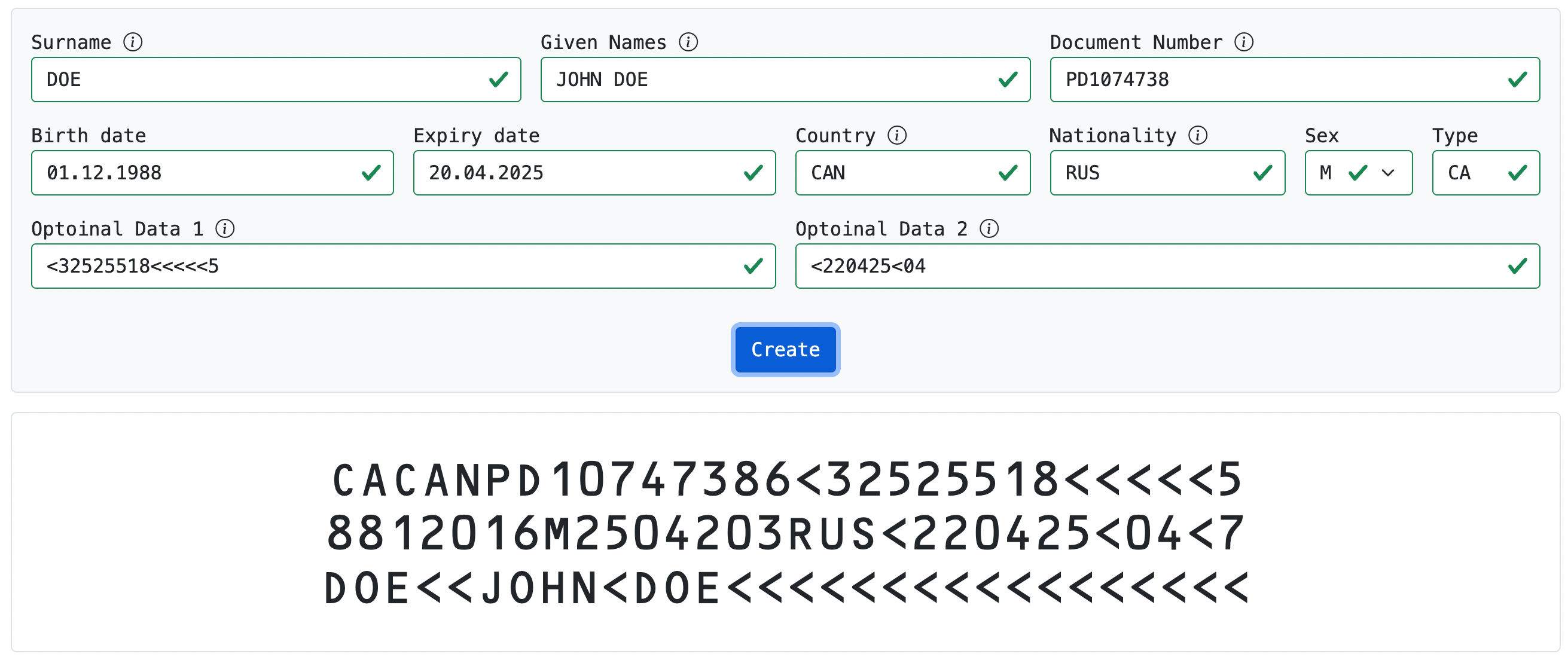
Mit unserem Generator erstellen Sie jede MRZ. Beispiel: kanadische Daueraufenthaltskarte